 Hemva
Get dressed from clothes you already own.
Hemva turns the outfit photos in your camera roll into a tidy wardrobe, then picks what to wear today.

- No account
- Stays on your iPhone
- AI is optional
- Free to start
- For iPhone
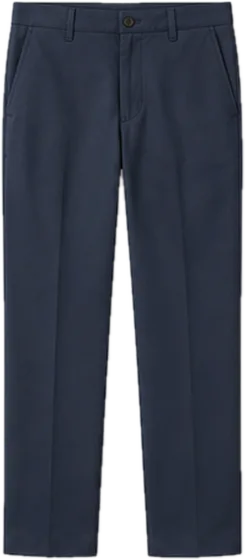
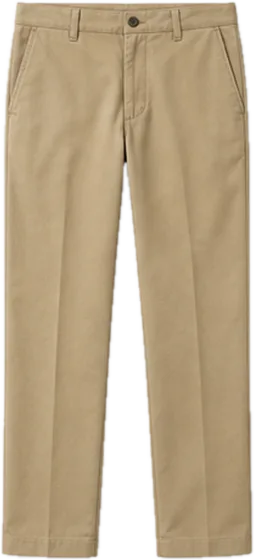
Six pieces. Eight outfits.
Most of a wardrobe goes unworn because it's hard to see what goes together. Hemva lays your clothes out and does the combining. Swap one piece and keep the rest.
Outfit 1 of 8
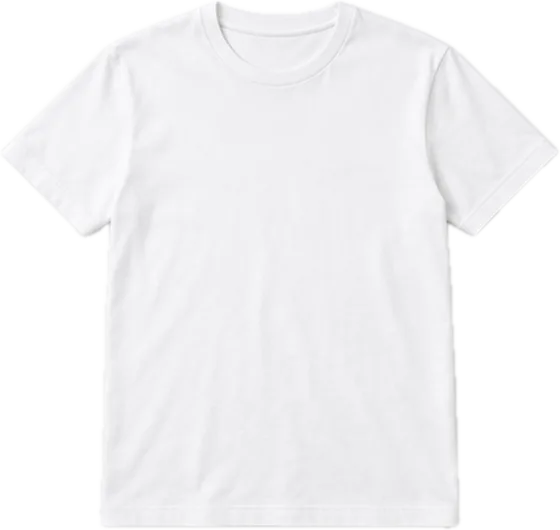
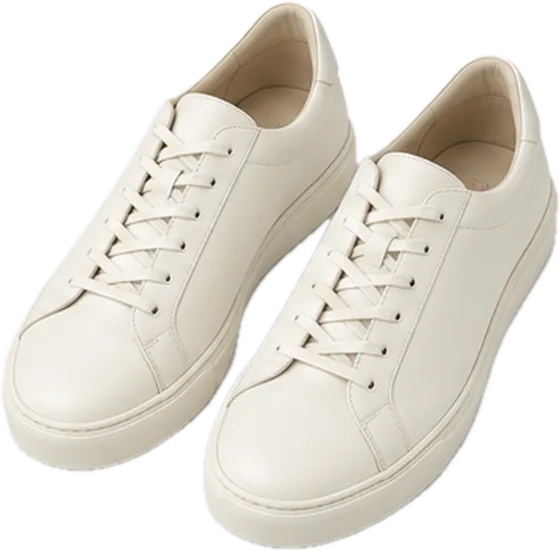
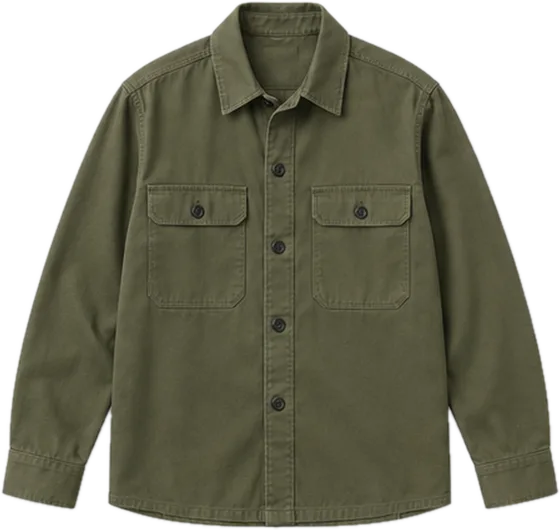
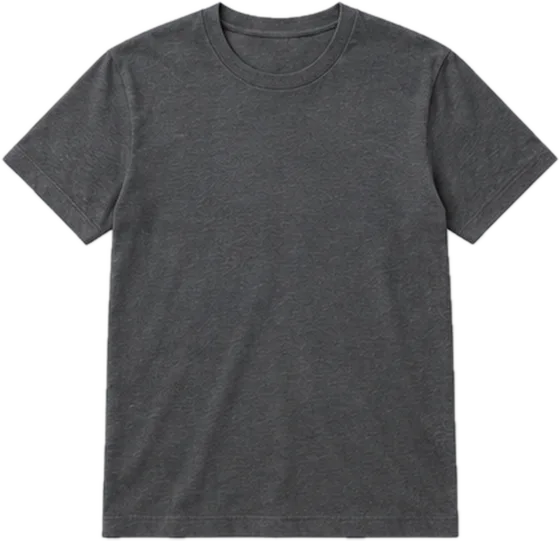
Sample clothes from the app. Two tees, two trousers, with or without the overshirt: 2 × 2 × 2 = 8.
 No layer
From camera roll to today's outfit
Add up to 100 photos at once
Pick outfit photos you already have, use the camera, or share straight from Photos. There's no account to set up first.
See every piece, clean and tidy
Hemva cuts each piece out of the photo on your iPhone. Your original photo is always kept.
Get an outfit for today
Choose the occasion, like work, gym or dinner. Hemva can use the weather and your calendar.

Already own one like it? Check first.
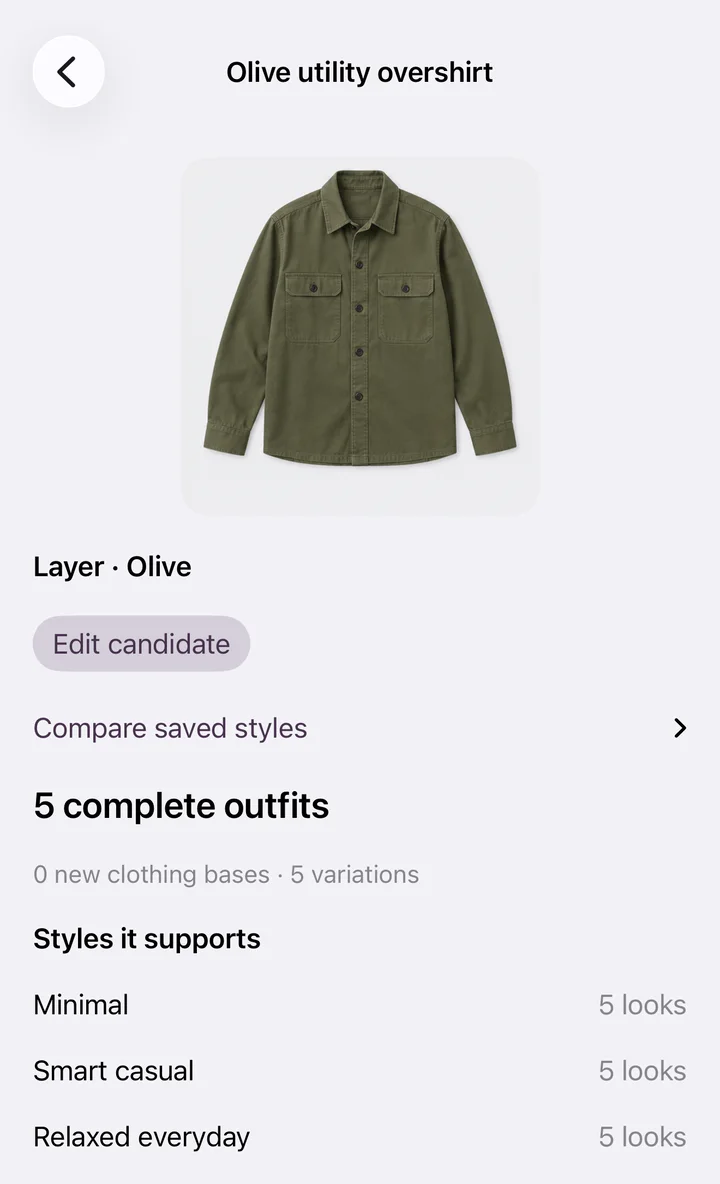
Thinking about a new jacket? Take its photo in the shop. Shop check shows what it would go with in your wardrobe, and whether you already own something similar.
What leaves your phone, and when
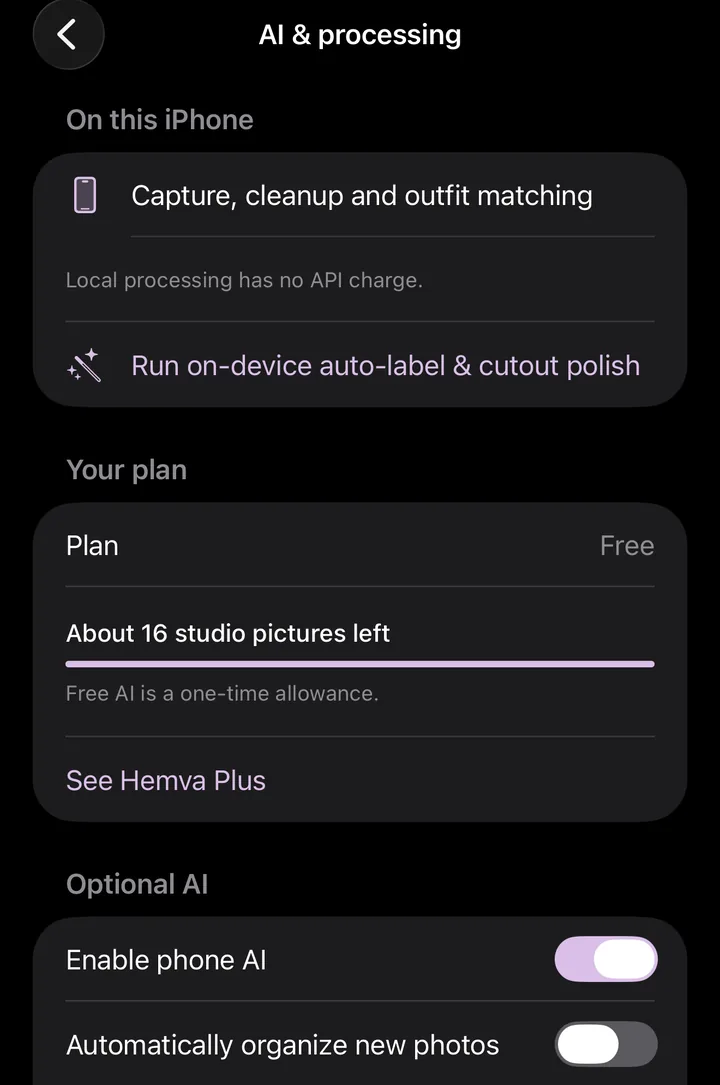
- By default, nothing. Photos, cutouts, outfits and history are stored on the iPhone. There's no cloud wardrobe.
- If you switch AI on, the photos it needs go through Hemva's server to OpenAI to be processed. Hemva tells you what is sent first.
- AI pictures are labelled. They're made from your photo and may change small details. Your original is kept.
Questions
Hemva is made independently by one developer in Australia. Reply to the launch email and say what you'd change.
Is it free?
Hemva is free to start. Your wardrobe, on-phone cutouts and daily outfits work without paying. Hemva Plus is optional: A$6.99 a month or A$49.99 a year for a bigger AI allowance. The price is shown in the App Store before you buy.
Is there an Android version?
Not yet. Hemva is for iPhone, on iOS 17 or later.
Where are my photos stored?
On your iPhone. There's no account and no cloud wardrobe. If you turn on optional AI, the photos it needs go through Hemva's server to OpenAI to be processed. Hemva's server doesn't keep them.
Is the AI picture my real item?
It's made from your photo and may change small details. It's labelled as an AI picture, your original photo is kept, and outfits are matched on your real piece.
More outfits. Already yours.
Launching in Australia, January 2027.
Join the waitlist